Direct the camera
Set horizontal orbit from −180° to 180°, elevation from −60° to 60°, and a close, medium or wide frame. The angle describes the desired new view relative to the source; the model may approximate geometry.
 ShotTide
Move the camera around an idea, without rotating the flat picture.
2 credits · one result
Plans and creditsNo generation starts on upload or login. Confirmed failed jobs return reserved credits.
Choose a source or describe a new image. The result appears here.
Review faces, hands, garment details and exact spelling before publishing AI-edited images.
A 45° orbit and 15° elevation instruction changes the visible perspective of the bottle and pedestal. The angles guide the model; this is not a calibrated 3D reconstruction.
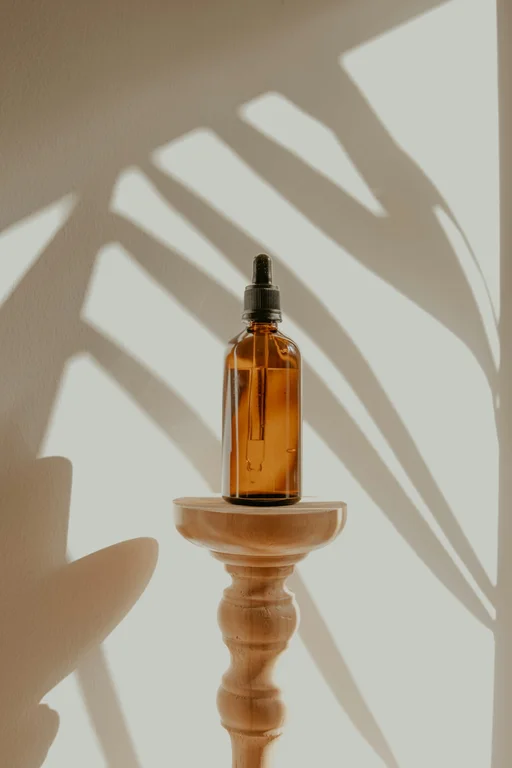
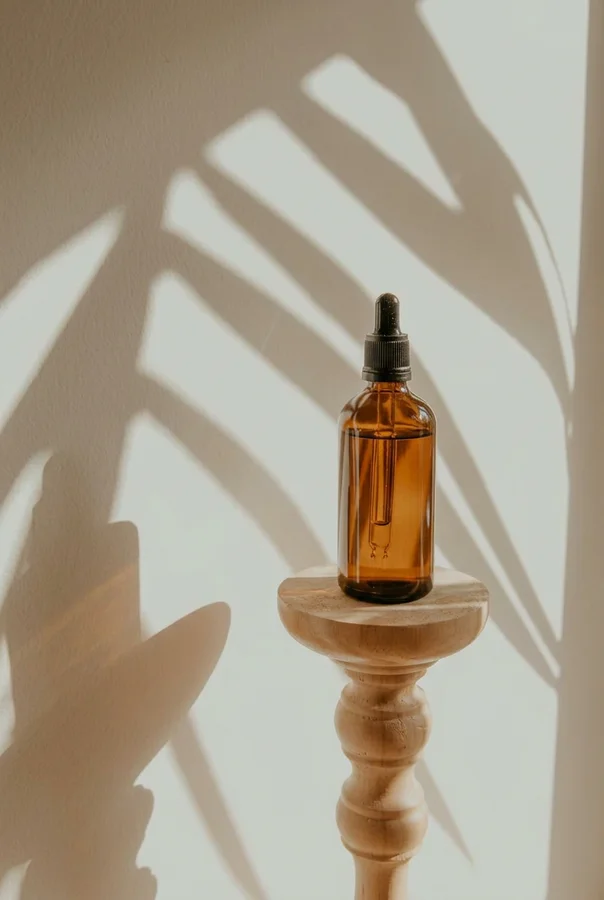
An AI photo angle editor generates a new view of a subject from a single image. Horizontal orbit, camera elevation and framing guide the request. The on-screen orbit diagram is a camera guide, not a live generated preview. Unseen surfaces are inferred, so this is useful for visual exploration rather than accurate 3D reconstruction.
Set horizontal orbit from −180° to 180°, elevation from −60° to 60°, and a close, medium or wide frame. The angle describes the desired new view relative to the source; the model may approximate geometry.
A twelve-angle set makes twelve separate requests at 30° horizontal intervals. The full credit cost is visible first. The queue processes sequentially, pauses after a failure or page reload, and can be resumed or stopped without resubmitting completed images.
Download views for a layout or a later image-to-video workflow. Inspect shapes, logos and newly revealed surfaces across the set before using two images as different views of the same object.
Choose a clear image with enough space around the object or person.
Adjust orbit, elevation and framing, or choose the twelve-angle set.
Compare the resulting views and download the angles that preserve your subject best.
An editable prompt example. Adapt the subject and setting to your own source.
Keep the same subject, materials, proportions and lighting. Show the selected camera view with a realistic perspective and no additional objects.
No. Rotation tilts the existing pixels. This tool asks an image model to create a new camera view, including plausible surfaces not visible in the source.
No. The values guide a generative model, not a calibrated 3D camera. Use true 3D capture or modeling when dimensions and hidden surfaces must be exact.
A submitted image can finish in the background. Unsubmitted images pause when the page closes or reloads; reopen the draft and explicitly resume the remaining queue.
One result costs 2 credits. The optional twelve-angle set costs 24 credits in total. A confirmed failed or canceled task returns its reserved credits. A new version is a separate generation.