Make the product the source of truth
Use a sharp reference with the whole item visible. The model is asked to preserve shape, proportions, colors and labels. It can still invent details, so compare caps, seams, packaging and text before publishing.
 ShotTide
A product, a setting, a clear creative brief. Build the scene around what you sell.
2 credits · one result
Plans and creditsNo generation starts on upload or login. Confirmed failed jobs return reserved credits.
Choose a source or describe a new image. The result appears here.
Review faces, hands, garment details and exact spelling before publishing AI-edited images.
The amber bottle moves to a pale stone pedestal in warm window light. Inspect product proportions and labels before using a generated image in a listing.
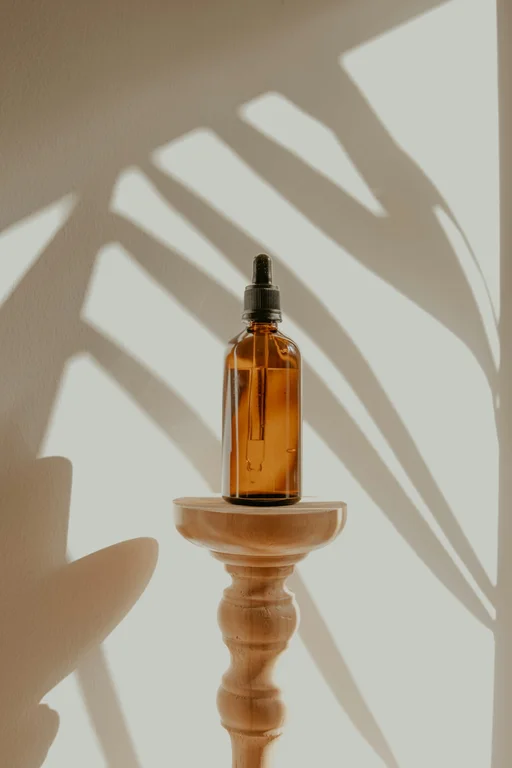
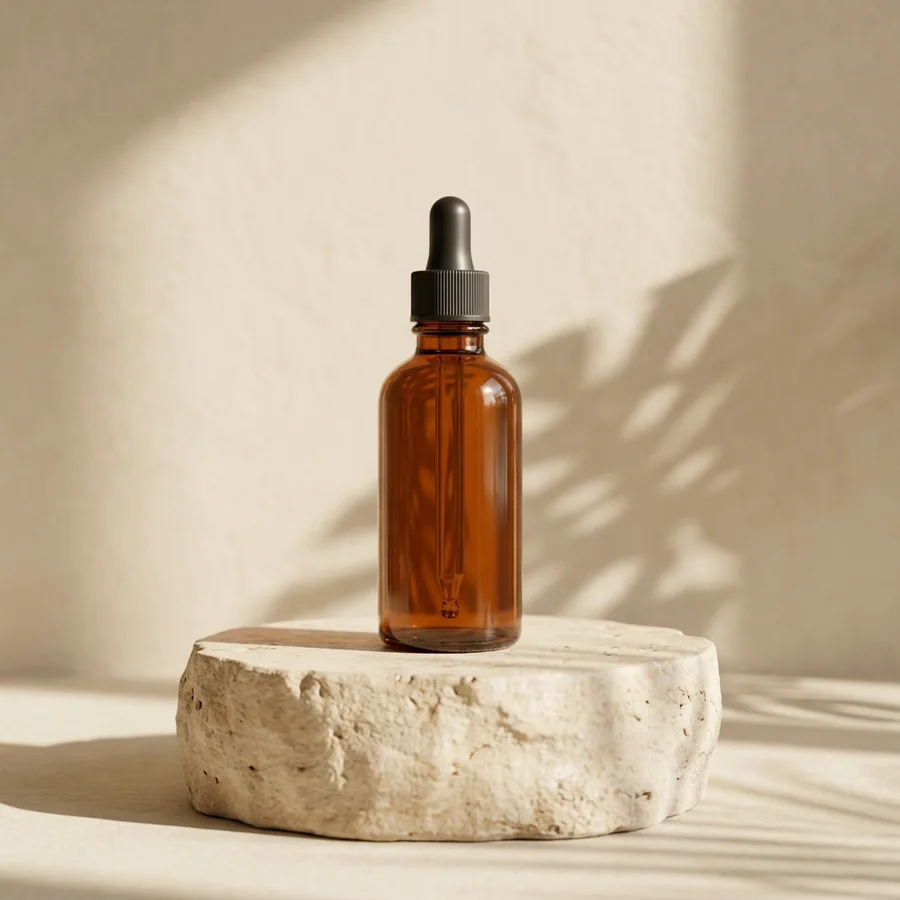
AI product photography generates a styled scene around a product reference. It can help explore studio setups, lifestyle settings and campaign compositions before a physical shoot. Upload the product first, optionally add a background image, and specify surface, lighting and camera distance. Review every result against the actual product.
Use a sharp reference with the whole item visible. The model is asked to preserve shape, proportions, colors and labels. It can still invent details, so compare caps, seams, packaging and text before publishing.
Describe a studio backdrop, kitchen counter or outdoor surface, or upload a background reference. Mention contact shadows and scale so the object has a clear relationship with its surroundings.
Choose a square, portrait or landscape composition and ask for empty space if a design needs a headline later. Add final promotional copy in your layout editor for exact typography.
Choose a clear product photo with visible shape and label.
Describe the background and light, or add a second image as the setting reference.
Check the result against the original and download the selected PNG.
An editable prompt example. Adapt the subject and setting to your own source.
Place the product on a pale stone pedestal beside a softly lit window. Warm natural light, subtle contact shadow, uncluttered cream background, premium editorial photography. Preserve the product label and shape.
Yes. Add it as the optional second reference and describe where the product should sit. The generated scene may reinterpret parts of the background.
The model is instructed to preserve it, but exact text and geometry are not guaranteed. Inspect packaging and labels before using the picture in a listing.
This tool creates still images. Download a selected image for a later video workflow, which has its own generation request and cost.
One result costs 2 credits. A confirmed failed or canceled task returns its reserved credits. A new version is a separate generation.