A presenter-led opening
Introduce the product with a synthetic presenter, then move to the details. Keep the script factual and the reference product visible.
Try this direction ShotTide
AI UGC Video
Create presenter-led product stories with your references, your script and a natural conversational style.
AI UGC is synthetic video made in a creator-style format, not a recording of a real customer experience. ShotTide pairs product and presenter references with editable narration, so you can build explainers and demonstrations without inventing testimonials.
Original showcase concepts. Use the briefs as a starting point for your own product.
Introduce the product with a synthetic presenter, then move to the details. Keep the script factual and the reference product visible.
Try this directionFrame a product detail through a conversational presenter. Describe observable features rather than fabricated personal results.
Try this directionUse a simple routine as the story structure. Keep product claims grounded and review the generated hands and application motion.
Try this directionSelect the UGC format and add separate product and presenter images in Studio. Review their composition before making it move.
Open the workflowWrite a factual introduction, demonstrate a supplied benefit and close with a clear next step. Avoid made-up personal results or endorsements.
Open the workflowEnable talking presenters in Batch production to create the opening or every missing UGC shot. Review pronunciation, mouth movement and the product in the exported film.
Explore examplesCompare a question, a use-case opening or a concise demonstration. Change the angle while keeping verified product details stable.
Open the workflow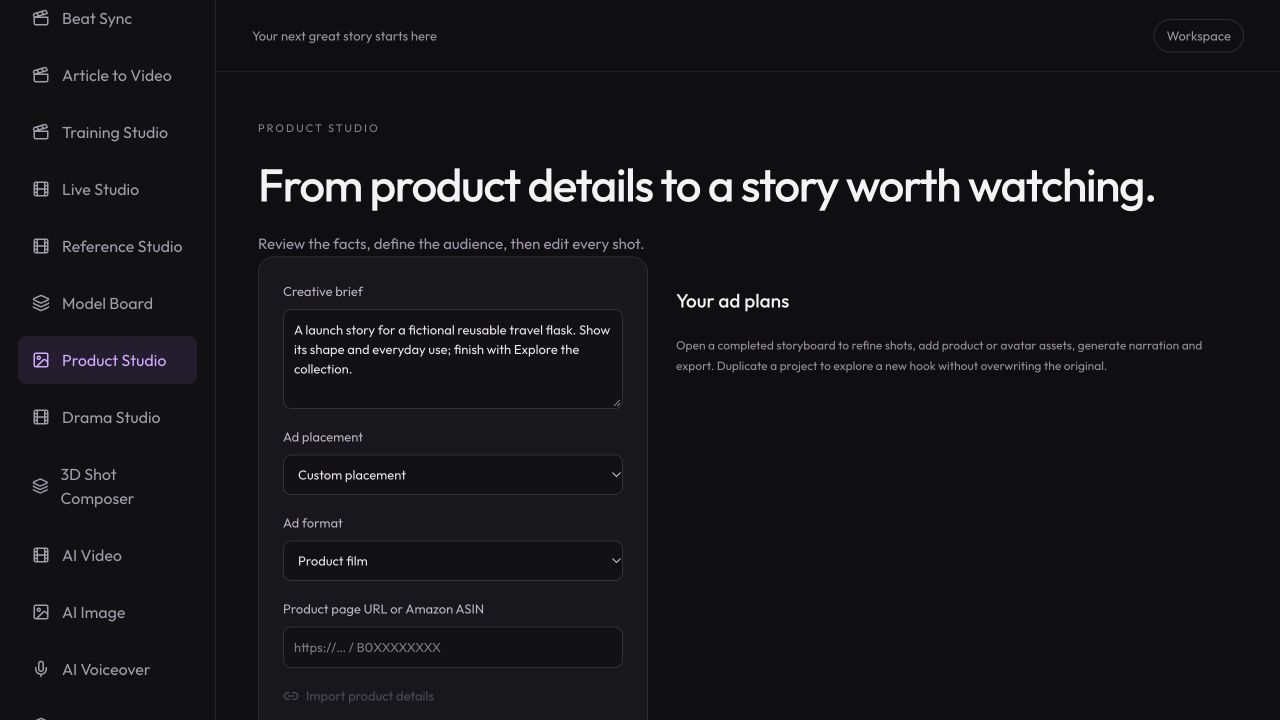
Workspace illustration with example data.
Add the product and a presenter image you have permission to use. Choose Creator-style UGC in Product Studio.
Review the script and narration. Make the synthetic presenter describe supplied facts rather than a fictional personal experience.
Generate the selected visuals and voice, check timing and clarity, then export with appropriate disclosure for your use.
The script controls what is said; your references guide who and what appear on screen.
Review pricing and creditsCreate presenter-led product stories with your references, your script and a natural conversational style.
Open StudioIt is synthetic creator-style content. Do not present it as an independent customer review or imply a person actually used the product when they did not.
You can provide a presenter reference in the UGC product workflow. A suitable portrait can also be used for supported talking-avatar generation. Identity and product details still need review.
No. Standard generated video clips are silent. Add narration separately or use the supported talking-avatar workflow for a speaking presenter.
Choose a maximum narration length per talking shot and review the batch cost before starting. Avatar generation costs 3 credits per rounded-up audio second, with a 2-second minimum. The batch measures completed audio before submission and pauses if it exceeds your approved limit. Image and narration generation are included separately in the quote; existing selected clips are reused.
Choose an available narration language in Product Studio, review the translated script and listen to the generated speech. Do not assume every voice or avatar supports identical language quality.