A fragrance, in detail
Open with the glass bottle silhouette. Move into a close-up of the material, then reveal the product in warm side light. Keep all product claims factual.
Use this brief ShotTide
Ad Library
Explore original moving examples and reusable briefs for your next product story.
Open with the glass bottle silhouette. Move into a close-up of the material, then reveal the product in warm side light. Keep all product claims factual.
Use this briefCreate a synthetic presenter introduction followed by product close-ups. Explain one verified benefit in conversational language. Do not invent personal experience.
Use this briefShow a lamp in a quiet room, cut to its physical controls and finish with its illuminated form. Use only supplied operating details.
Use this briefPlan an unboxing sequence: closed package, careful reveal and full product view. Only show included items confirmed in the product facts.
Use this briefBuild a calm morning sequence around a coffee product. Show packaging, preparation and a finished cup. Do not invent brand history or sourcing claims.
Use this briefDemonstrate a blender with one simple preparation sequence. Show the product, the verified operation and the finished result. Keep the same product shape throughout.
Use this briefThis creative library contains original ShotTide showcase concepts and editable starting briefs. It is a place to study visual openings, product framing and story structure. These examples are not live advertiser records and carry no verified spend, conversion or performance data.
Preview each clip before selecting a direction. Pause the gallery or use your device’s reduced-motion preference.
Open the workflowSearch the example titles and briefs or filter by product, creator-style, demonstration or brand story.
Open the workflowOpen an example in Product Studio with its creative brief and format already selected. Replace the example subject with your product.
Explore examplesTreat a reference as a creative hypothesis. Check product fidelity and measure your own campaign results after publication.
Open the workflow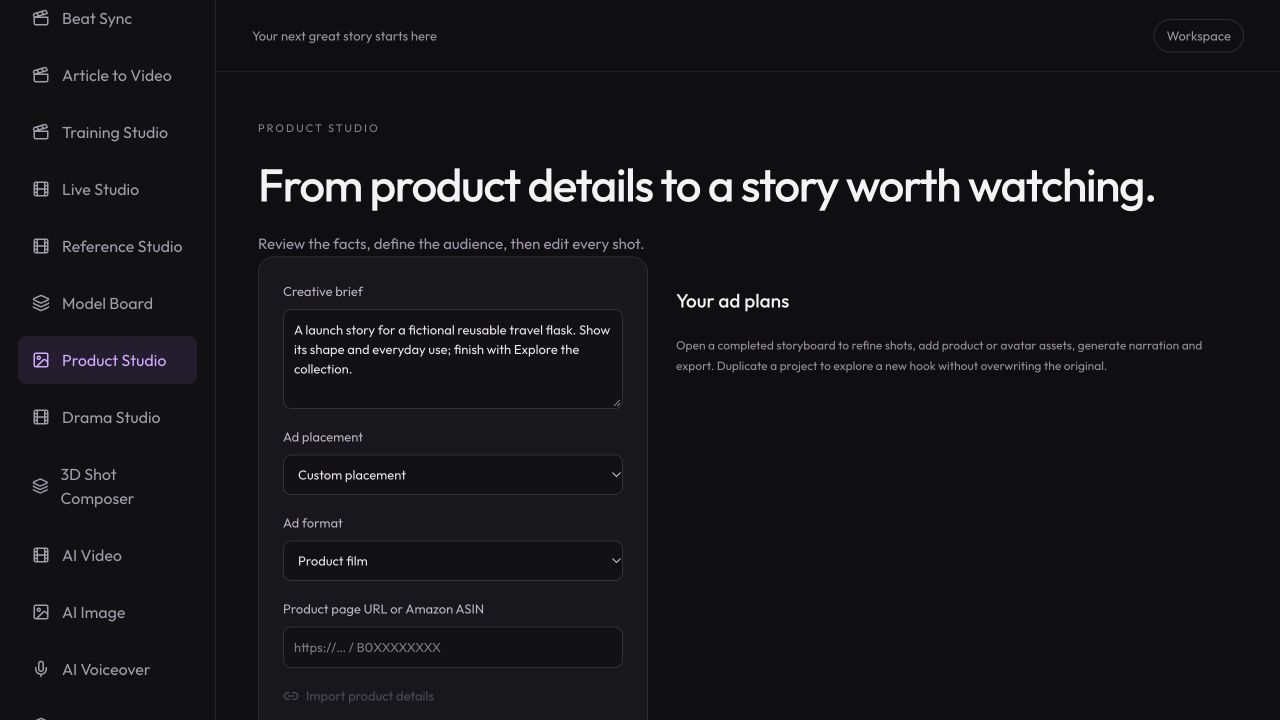
Workspace illustration with example data.
Filter by format or search for a visual direction. Watch the clip and read its starting brief.
Use the example to open Product Studio, then add your product facts and your own reference images.
Review the plan, generate selected shots and export a version you can test.
Study a visual opening or product sequence, then adapt the brief to your own product and audience.
Review pricing and creditsExplore original moving examples and reusable briefs for your next product story.
Open StudioNo. They are original showcase concepts. No ad spend, ROAS, views or conversion results are attributed to them.
Use its editable brief as a starting point. Replace the example product, claims and imagery with your own reviewed facts and assets.
No. Search and filters apply to the ShotTide creative examples shown here. External advertising databases are not connected.
No. It opens Product Studio with the brief and format. You review product inputs and explicitly start the tasks you want.