A portrait, reimagined
A seated portrait with the original pose, navy shirt and background.

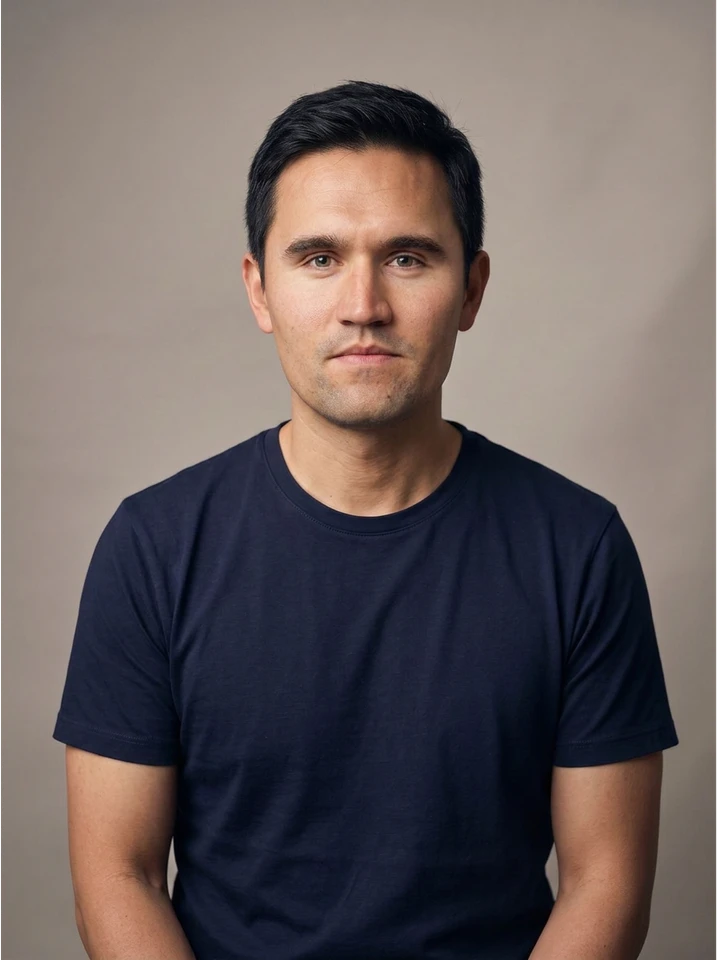
ShotTide synthetic demonstration portrait. Face edited with AI; previews resized.
 ShotTide
ShotTide AI Meme Tools
Upload a photo and make your own kirkified meme. No prompts or Photoshop needed. Compare the result, add a caption, and download your image.
One image at a time · PNG download · Credit cost shown before generation
Sign in to generate. ShotTide uses credits, and you’ll see the cost before you start.
See before and afterOr choose an image from your device.
JPG, PNG or static WebP · Up to 5 MB · One clear face
Start with one visible face. Front-facing or slightly angled images work best. Avoid heavy blur, covered faces, or very small faces.
Charlie Kirk reference — The face reference is already selected. You don’t need to find another photo or write a prompt.
We’ll upload and check your image, then show the credit cost. This step does not start a paid generation.
Actual examples made with this tool’s generation workflow. Switch between the cached original and result without spending credits. AI editing can change details; compare your own result before sharing.
A seated portrait with the original pose, navy shirt and background.
ShotTide synthetic demonstration portrait. Face edited with AI; previews resized.
An open-mouth reaction with the original caption strip still in place.
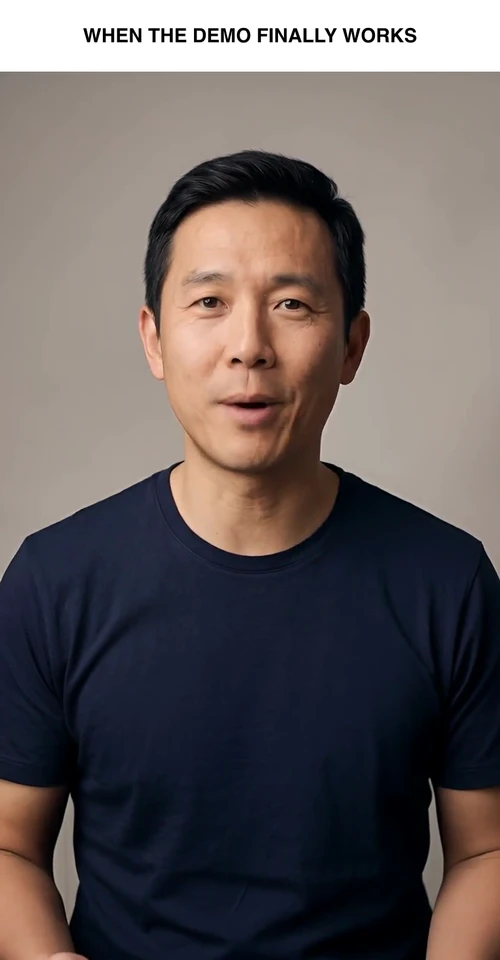
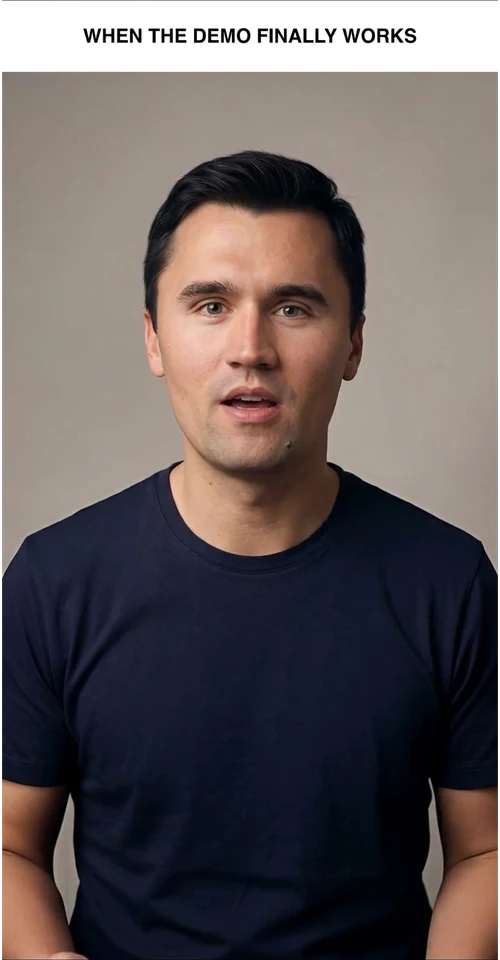
ShotTide synthetic demonstration portrait. Face edited with AI; previews resized.
A blue-haired illustrated character, edited in the original drawn style.
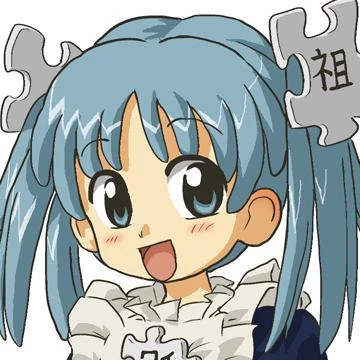
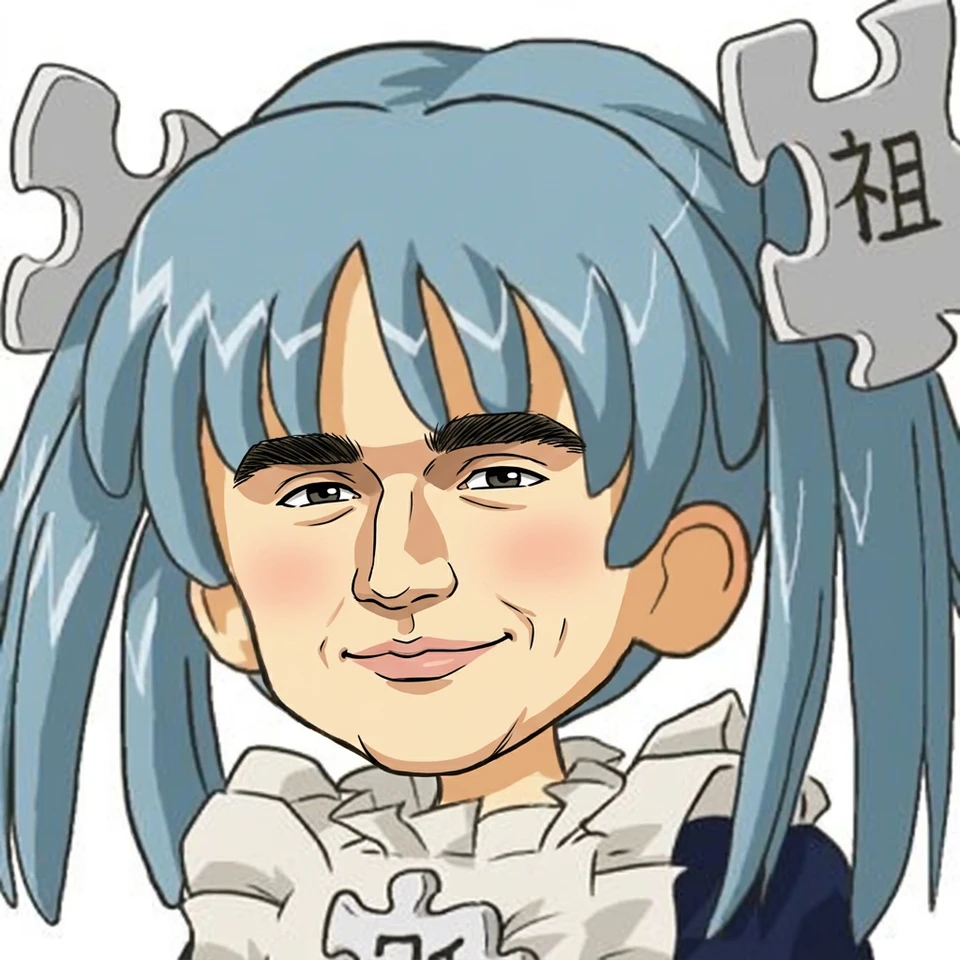
Wikipe-tan by Kasuga. Original and adapted example: CC BY-SA 3.0. Face edited with AI; previews resized.
Choose a JPG, PNG or WebP image. A clear, visible face gives the generator a better starting point.
Sign in, review the credit cost, and select Generate. The Kirkify preset handles the face reference and prompt for you.
Compare your result with the original. Add an optional caption, then download the PNG. You can start again with another photo whenever you’re ready.
Upload your source image and use the ready-to-go Charlie Kirk reference. You don’t need to choose a model or write editing instructions.
Switch between the original and the result. Check the face, expression and background before saving your meme.
Add text above or below your image without another AI generation. Keep the wording exactly as you typed it.
Save your PNG for sharing, or explore ShotTide’s image-to-video tools when you want to turn a still image into a short clip.
“Kirkified” describes an image or clip edited to feature Charlie Kirk’s face, often as a parody or reaction meme. “Kirkify” is the action, and “kirkification” is the editing process or the wider meme trend.
A kirkified meme usually starts with a recognizable photo, character or reaction image. Changing the face creates the joke. ShotTide’s generator focuses on making that kind of edit from a still image, with a preset face reference and a simple upload-to-download workflow.
A kirkified meme is an image or clip edited to feature Charlie Kirk’s face. It is often used as a parody or reaction image. This ShotTide tool creates still-image versions.
Upload an image with one clear face, sign in, and review the generation cost. Select Generate, compare the result with your original, and download your PNG. You don’t need to write a prompt.
You can browse the page and examples without paying. Generating your own image uses ShotTide credits. The cost is shown before you submit, and any credits available in your account can be used.
You can view examples and select a photo without signing in. Sign in when you’re ready to generate and save your result.
Yes. Open this page in your mobile browser, choose a photo from your device, and follow the same generation steps. No app installation is needed.
Upload a JPG, PNG or WebP image within the limit shown above the upload button. Start with one clear face. GIFs and video files are not supported by this version.
This version works with one face at a time. Choose an image with a single person, or crop your photo before uploading it.
This tool currently generates still images. You can explore ShotTide’s Image to Video tool to animate a finished image. That creates a new clip from a still; it does not replace faces in an uploaded video.
The generator aims to keep the original scene, but AI editing can change details, including existing text. Compare the result before downloading. Add new captions with the caption editor to keep your wording unchanged.
Results depend on the source photo. Blur, face coverings, strong side angles and very small faces can make the edit less reliable. Try a clearer image if the face is hard to recognize.
Downloads include a small AI parody label. The result is an edited image, not an authentic photo of the person depicted.
Your image is sent to ShotTide and its generation provider to create the result. See ShotTide’s Privacy Policy for details about data handling.
Start with a clear photo, generate your face swap, and add your caption.
Upload a photo