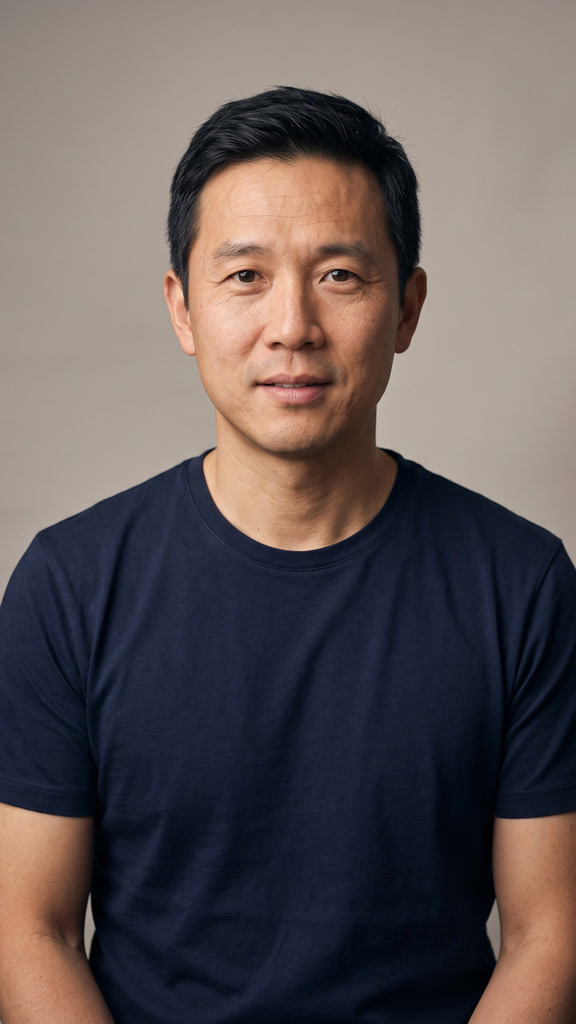
Main Character
Audio: Main Character v1
10.1 seconds · 720 × 1280 ShotTide
PHOTO TO RAP VIDEO
Turn one photo into a short rap performance. Choose a ready-to-use track or upload your own audio, then create a vertical video with sound.
One performer · About 10 seconds · MP4 with sound
MADE WITH THIS WORKFLOW
Play these examples with sound to hear the track and see the performance together. Each clip was made with this workflow, using the portrait and audio shown beside it.
Audio: Main Character v1
10.1 seconds · 720 × 1280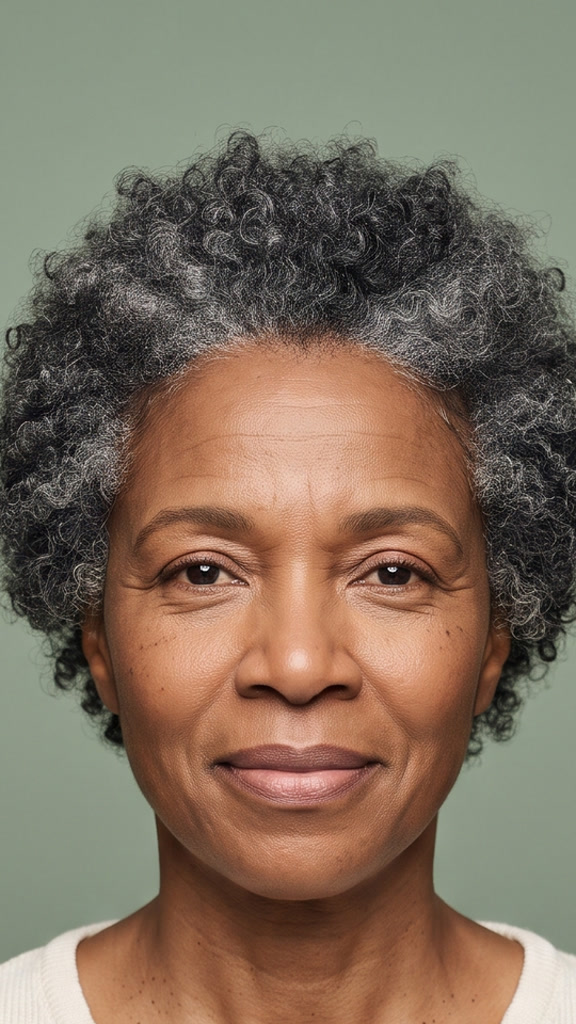
Audio: Uploaded Weekend Energy recording, 0-10 seconds
10.1 seconds · 720 × 1280Choose a clear photo of one person with their face and mouth visible. Adjust the portrait crop before you continue so the performer stays comfortably in frame.
Listen to a ready-to-use track or upload an MP3 or WAV recording. Select the 10-second section you want to use. The voice and words in that audio become the sound of your video.
Check the credit total, create your video, and review the finished performance with sound. Download the MP4 when it is ready, or start a new version with a different photo or track.
ShotTide’s AI rap video generator uses a portrait and an audio track to create a performance clip. It animates the person in your photo with lip movement and facial expression guided by the selected audio.
This AI rap video maker is designed for short solo performances. Use a prepared rap track without recording anything yourself, or bring your own vocals for a clip based on your music.
Preview the available rap tracks and choose the one that fits your idea. Template lyrics are fixed, so you know what the performer will rap before spending video credits.
Already have a hook or verse? Upload your audio and select a short section. Your original voice stays in the soundtrack; uploading a photo does not clone that person’s voice.
Upload, preview, generate, and download from one page. You do not need to film a performance or assemble clips on an editing timeline.
The result is a short vertical MP4 with the selected audio included. Review the framing and performance before sharing it to your preferred platform.
Give a portrait a different kind of energy with a ready-to-use rap hook. Make a clip for a group chat, a personal post, or a creative experiment.
Choose the birthday track for a quick musical greeting. Want the lyrics to include a name or an inside joke? Upload your own recorded audio with those words.
Use ten seconds from your own track to make a simple visual for a hook, release teaser, or social post.
Create a portrait video for your TikTok, Reels, or Shorts workflow. Watch the final file with sound and make any additional edits you need before posting.
Use one person per photo, with good lighting and a visible mouth. Avoid hands, hair, microphones, or heavy shadows covering the lips. Leave enough room around the face when cropping.
Heavy background noise, overlapping voices, dense effects, and very fast delivery can make lip sync less convincing. Listen to the selected section before generating and review the finished clip.
If a result needs improvement, try a clearer portrait or a cleaner vocal section. Each new generation has its own credit quote.
Watching examples and listening to the prepared tracks is free. Generating your own AI rap video requires an account and credits.
Credits are reserved while the task runs and used when the video is completed. Confirmed failed or cancelled tasks return credits according to the terms of the original credit allocation. A task still being checked remains pending.
View Plans and CreditsIt creates a short rap performance video from a portrait and an audio track. In ShotTide, you choose a prepared track or upload your own audio, and the generator animates the person in your photo to that sound.
Upload a clear portrait of one person, check the crop, and choose your audio. Review the credit total, generate the clip, and download the finished MP4 after checking it with sound.
No. You can start with one of the prepared rap tracks and listen before you generate. If you want your own voice, lyrics, or music in the video, upload an MP3 or WAV file and select a 10-second section.
This workflow uses an existing soundtrack. The prepared tracks have fixed lyrics, and uploaded audio is used as provided. It does not write a new song, turn typed lyrics into music, or clone a voice from your photo.
This version is designed for one performer in one photo. Use a solo portrait for this workflow; it does not currently create a two-person rap duet.
You can watch the examples and preview the prepared audio for free. Creating a video uses credits, and the total is shown before you start. See the pricing page for the current plans and credit options.
This workflow creates a clip of about 10 seconds. You can download a portrait MP4 with the selected audio included. The finished result shows its actual dimensions and duration.
Results vary with the portrait, vocal clarity, and delivery. Fast verses, overlapping voices, or a covered mouth can reduce accuracy. Use a clear source photo and review the video before sharing it.
You can upload audio that you have the right to use. Your intended use also needs permission for the photo, music, and any other material involved, and must follow the applicable service terms. Check the track information and terms before using a prepared track in a project.
If a task is confirmed as failed, its reserved credits are returned under the original allocation’s terms. A task that is still processing or being checked is not treated as a failure. You can reopen the task to check its latest status.
Pick a portrait, listen to a track, and see what you can create.
Create Your Rap Video